
Professional Cleaning Reporting
Run every cleaning visit with proof.
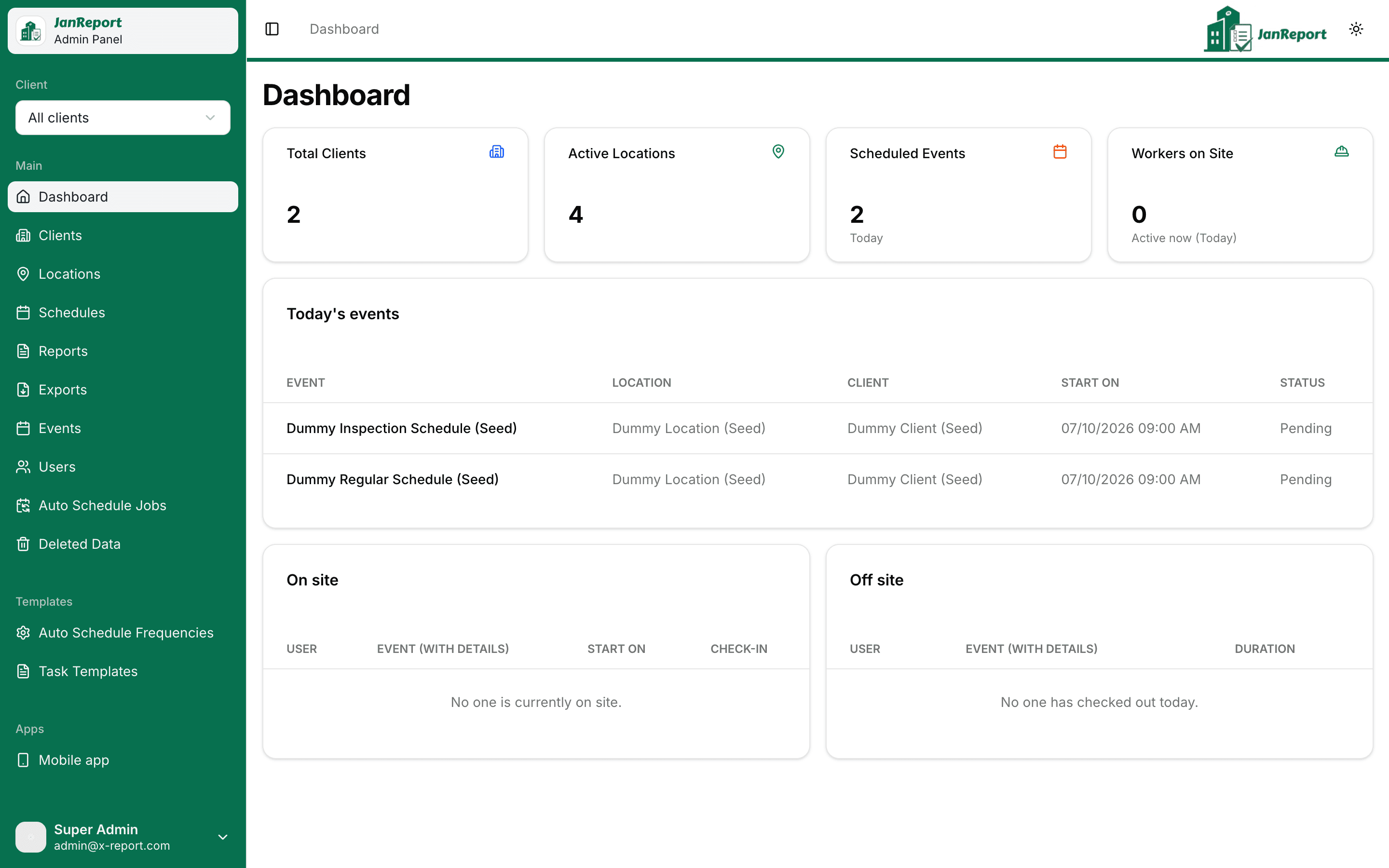
JanReport is the operations platform for commercial cleaning companies: schedule jobs at client sites, verify attendance with GPS check-in, run checklists and inspections, keep clients in the loop, and export audit-ready PDF reports.
Web admin panel, installable cleaner app and client portal. Nothing to install from an app store.
Built for commercial cleaning teams
One system for the office, the site and the client
Admins
Plan schedules, manage sites and people, and run reports from the web panel.
Cleaners
Check in on site, work through the checklist, attach photos and flag issues.
Inspectors
Verify quality, triage issues and raise tickets from the same mobile app.
Clients
Follow visits, review per-event reports and message the team in the client portal.
Features
Everything from the first schedule to the final report
JanReport covers the whole service loop so nothing lives in a spreadsheet or a group chat.
Scheduling & automation
Set a schedule once and let JanReport generate the work every night.
Cleaner app
An installable mobile app for the people doing the work. No app store required.
Inspections & quality control
Give supervisors the tools to verify work, triage issues and close the loop with clients.
Client portal
Clients see proof of service without calling you.
Reports & PDF exports
Six operational reports, filterable by client, location, team member and date range.
Users, roles & access control
Admins, inspectors, cleaners and clients each see exactly what they should.
How it works
Three steps, repeated every night
- 1
Set up clients, sites and schedules
Add each account and location, draw the geofence, and attach a schedule built from your task templates.
- 2
Cleaners check in and complete checklists
Every visit is generated automatically. Workers check in with GPS, rate each task and attach photos.
- 3
Inspect, report and export
Inspectors verify the work, clients see proof in the portal, and you export PDF reports for the record.
Reports
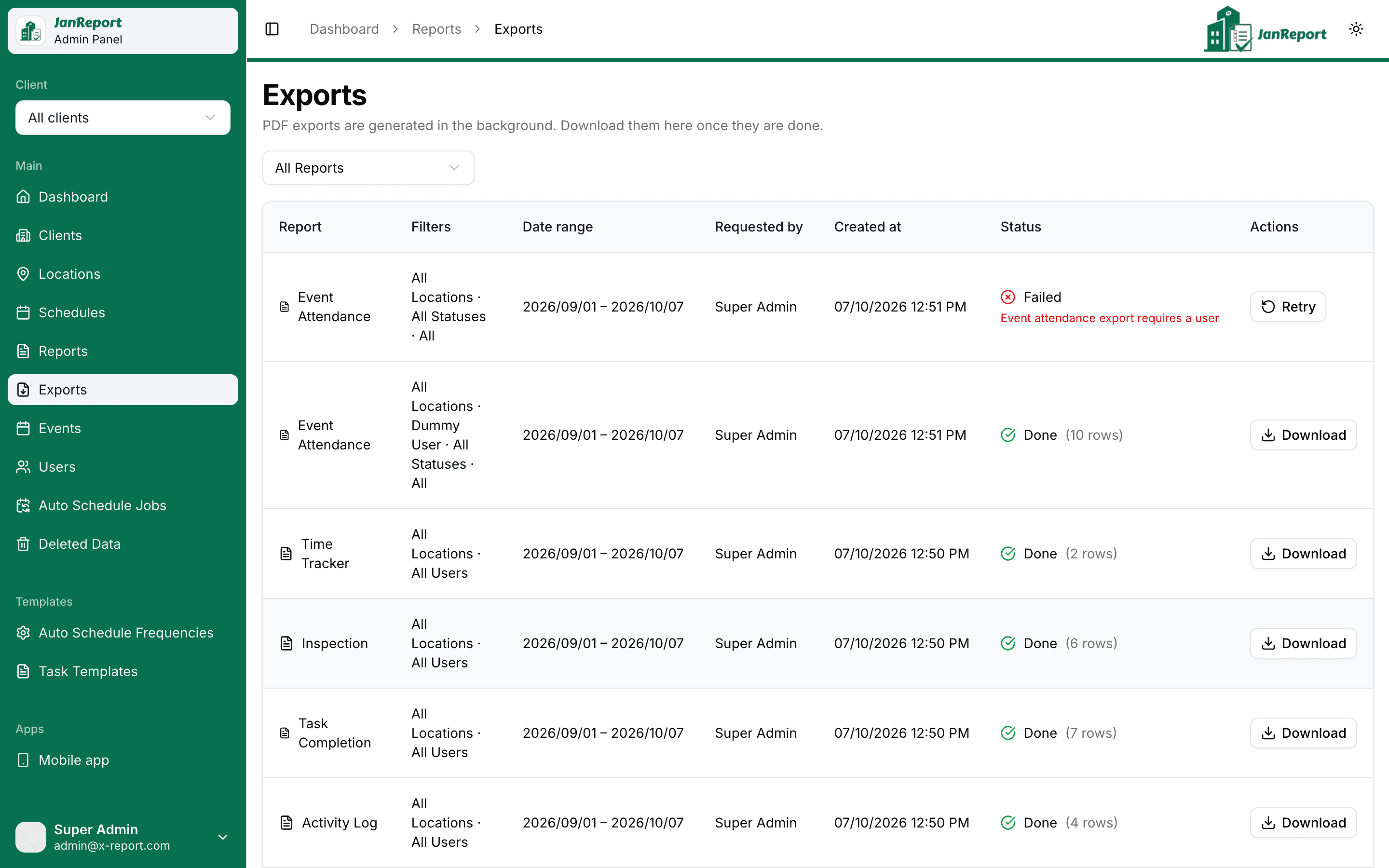
Six reports, exported to PDF in the background
Filter by client, location, team member and date range, then export a branded PDF you can hand to a client or keep on file.
Activity Log
Check-in and check-out detail by worker and location.
Work Hours Summary
Hours worked, summarised per worker and site.
Task Completion
Checklist progress for every scheduled event.
Inspection
Inspection results by location and inspector.
Time Tracker
Time on site for each team member.
Event Attendance
Attendance for each scheduled event.
See JanReport on your own sites
Tell us about your operation and we will walk you through a demo built around how your team works.